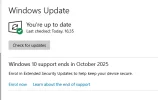
Windows 10 end of support

I have just updated my old laptop to windows 11.
If it is alright with moderator will post details of You Tube link.
Takes about 15 minutes as needed to download windows 11 from Microsoft site.

Your post sent me running to You Tube where I found loads of links all offering to show users how to do just that.

So your link would be very helpful, especially seeing as it worked for you!
 
I did some further research online and came across this video:


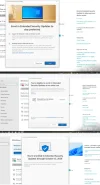
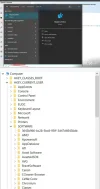
I did exactly as your man in the video told me- and it worked!!!!!!!!!!!!!!!!!!!!!!!!!!

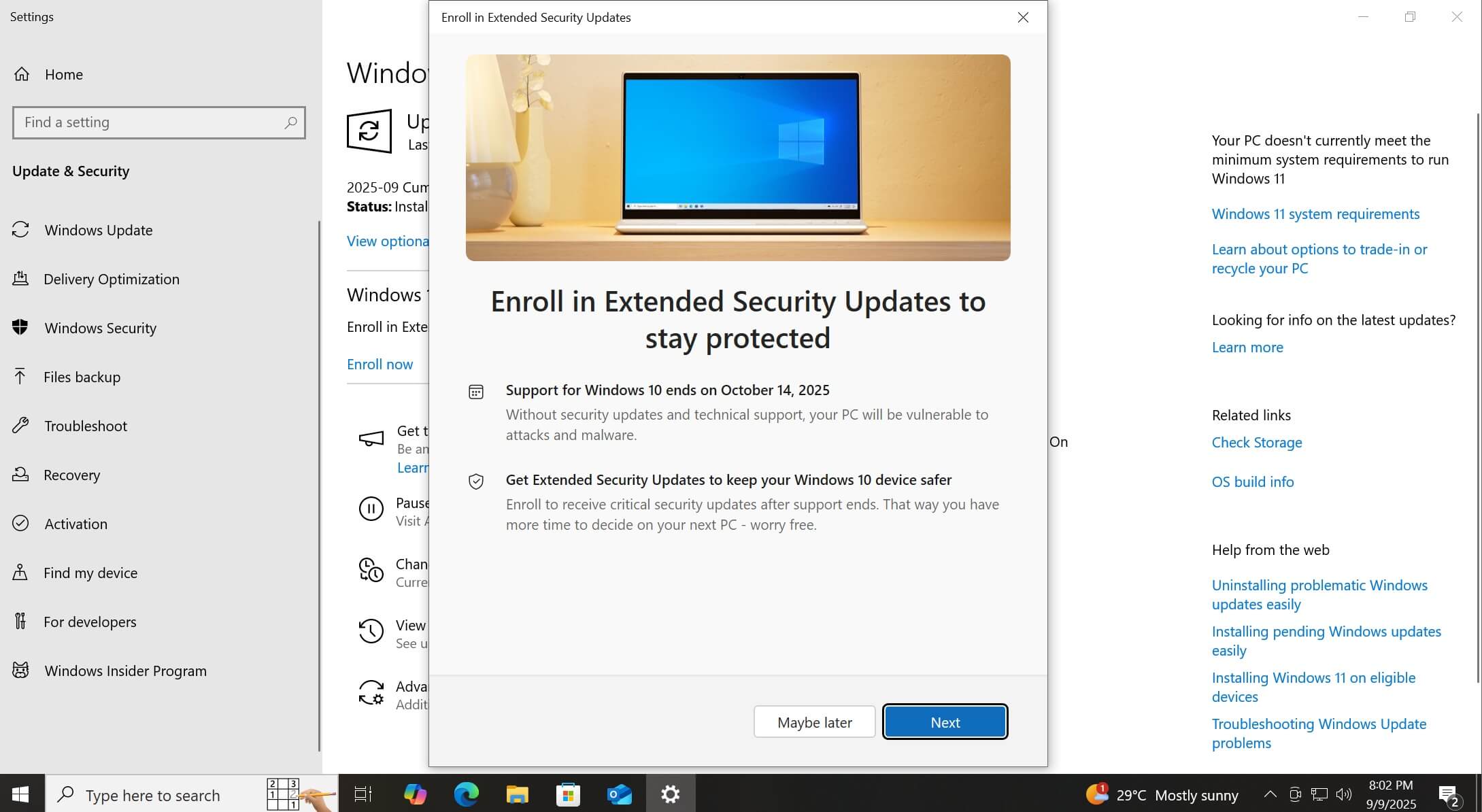
I am enrolled now and get my free support for another year!:D:D:D
 
I followed the steps in the video, and it gives me the enrol option.
But when I click the link it says it is temporarily unavailable in my region.
I have region set to Ireland.
Foiled again!
 
Finally!

I logged on this morning and there was a message that laptop was no longer receiving security updates...
But then a bunch of updates started downloading including "cumulative" Windows updates for October.
They installed and after restart, lo and behold, the enrol option eventually appeared and worked.

Phew.
 
So what will happen at end of next year, alot of people still won't want to switch to windows 11. Why can't they allow people continue with windows 10 for a small fee each year?
 
Why can't they allow people continue with windows 10 for a small fee each year?
Haven't you followed the thread? Those in the EU/EEA who have signed in using a Microsoft account can get updates for free for another year by enrolling for ESU (Extended Security Updates).
There are also slightly more technical ways to keep getting updates until 2032 using Windows 10 LTSC (Long Term Support Channel).
 
Last edited:
Yes I know that, and thanks for all the information on how to do it. I was referring to after October 2026 when that year runs out , could they not continue it even for a small fee?
 
Some users can pay $30 p.a. for ESUs beyond October 14th 2026 but I find the information from Microsoft on this confusing. Perhaps deliberately since they really want people to move to Windows 11. LTSC that I mentioned above in my (edited) post is also an option but involves a little technical reading and messing around which might not suit everybody.
 
LTSC that I mentioned above in my (edited) post is also an option but involves a little technical reading and messing around which might not suit everybody.

That looks as though it's within my comfort zone so I'm going to try it on my (stone age) laptop and see how I get on.

(Plan B is to buy a new Windows 11 laptop, probably when Black Friday comes around.)
 
Depending on the age/spec of your laptop Windows 10 LTSC is probably a good bet since it's debloated of a lot of the unnecessary stuff that a regular Windows 10 installation bundles. Let us know how you get on. I've been meaning to try it myself after a friend/former colleague was raving about it years ago. :D
 
I don't know what the fuss is about. It is not as if people's Windows 10 computers are directly exposed to the Internet. If you download malware having the latest patched version of Windows makes no difference.
 
I don't know what the fuss is about. It is not as if people's Windows 10 computers are directly exposed to the Internet.
Then you should do a bit of research to disabuse yourself of the notion that it's safe to keep using it without updates. This is covered in great detail on make other sites so no point in regurgitating it all here.
 
Yeah, unsupported hardware is a rich source of victims for attackers. All those regular patches a supported OS gets are closing doors attackers could potentially use to gain access to your system. Once out of support they stop closing the doors and exploits are shared widely on the dark web. WannaCry would be a high profile example.
 
Sorry if this is stated above. I haven't had a chance to read. I got an extra year of support for windows 10 by following a video.
All anybody on the EU/EEA needs to do is to ensure that they are logged in using a Microsoft account and then they can enrol in an extra year of ESUs. Not other messing is needed.
 
I signed into my Microsoft Account yesterday - nothing appeared. But when I booted up today the "Enrol now" link was there - and worked perfectly with just a few clicks.

(I'm assuming that it either takes a day or two to appear - or it happens when you switch off.)
 
Back
Top